But education is different.
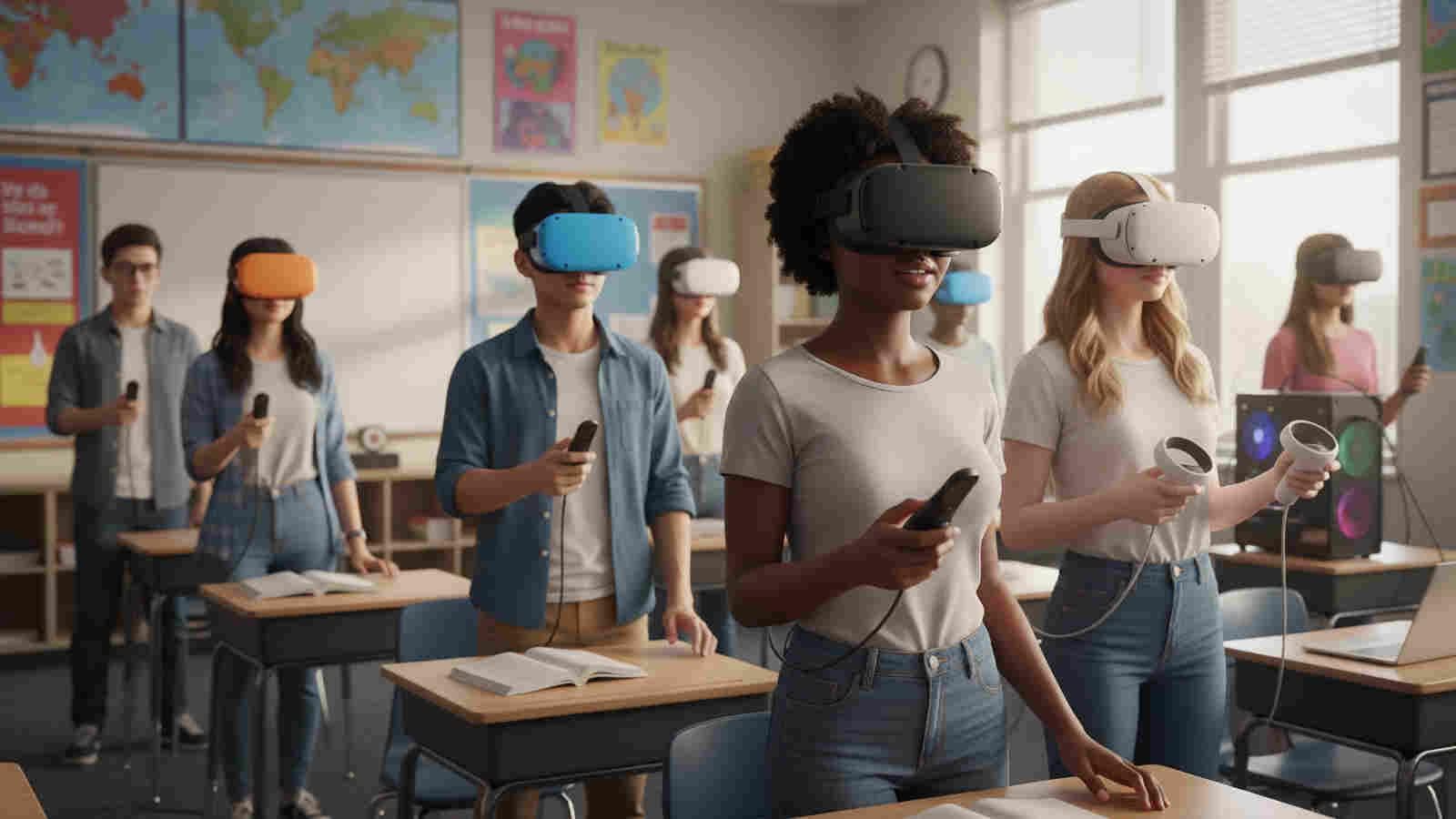
When students enter a VR learning environment, they should be thinking about the subject they are learning, not which button they need to press.
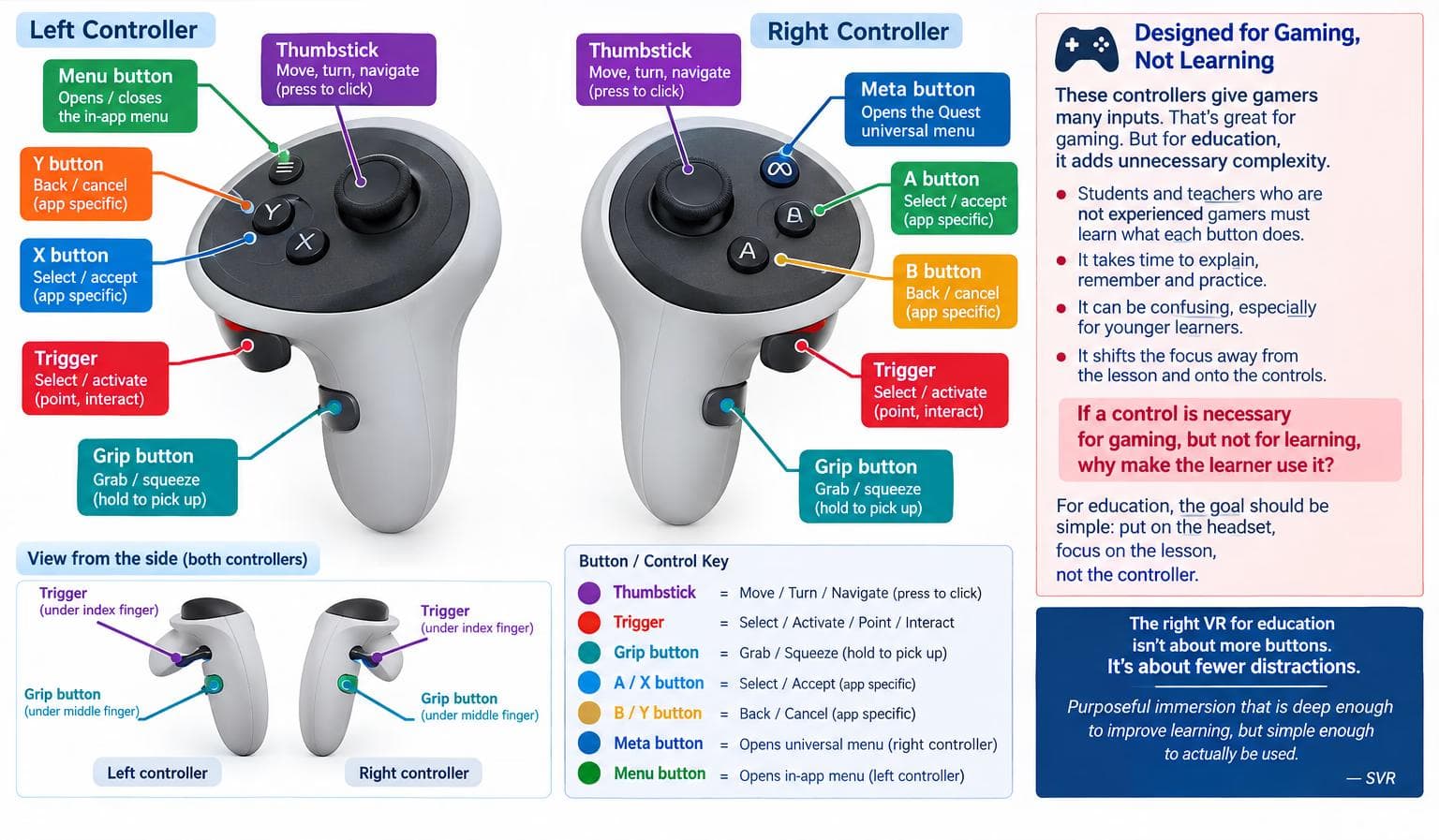
For students and teachers who are not experienced gamers, remembering the difference between the trigger, grip button, thumbstick, A, B, X, Y, and menu buttons adds another layer of complexity before learning has even begun.
This creates a fundamental design question:
If a control is necessary for gaming, but unnecessary for learning, why make the learner use it?
In an educational VR environment, every additional control creates another thing to explain, remember, practice and potentially get wrong. Time spent learning the controller is time taken away from learning the content.
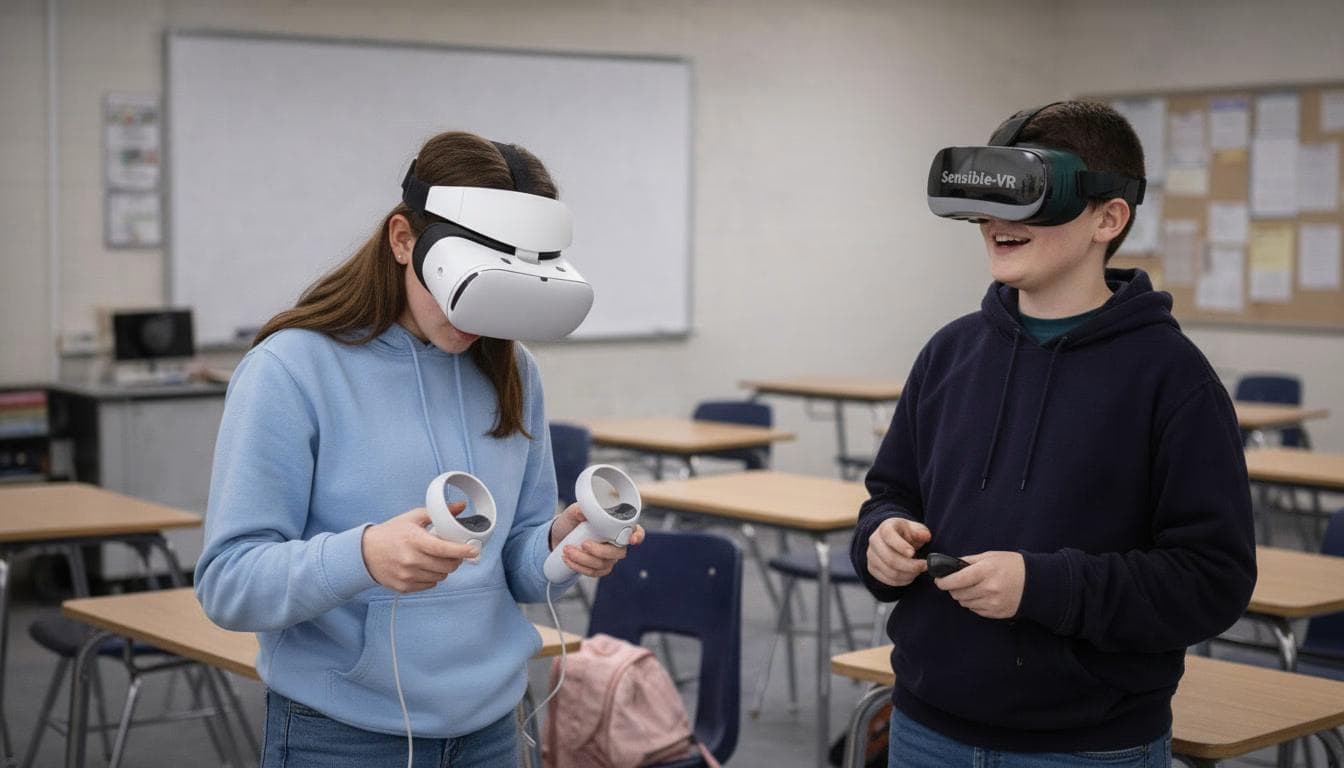
This is particularly important when VR is intended to become a practical, repeatable part of everyday education. A system used in schools should be simple enough that a student can put on the headset and concentrate on the lesson, and not have to learn how to operate a game controller first.
The issue is not that a gaming device has too many buttons.
The issue is that those buttons exist primarily because the system was designed to support gaming.
For education, the question should be different:
What is the minimum interaction required to accomplish the learning objective?
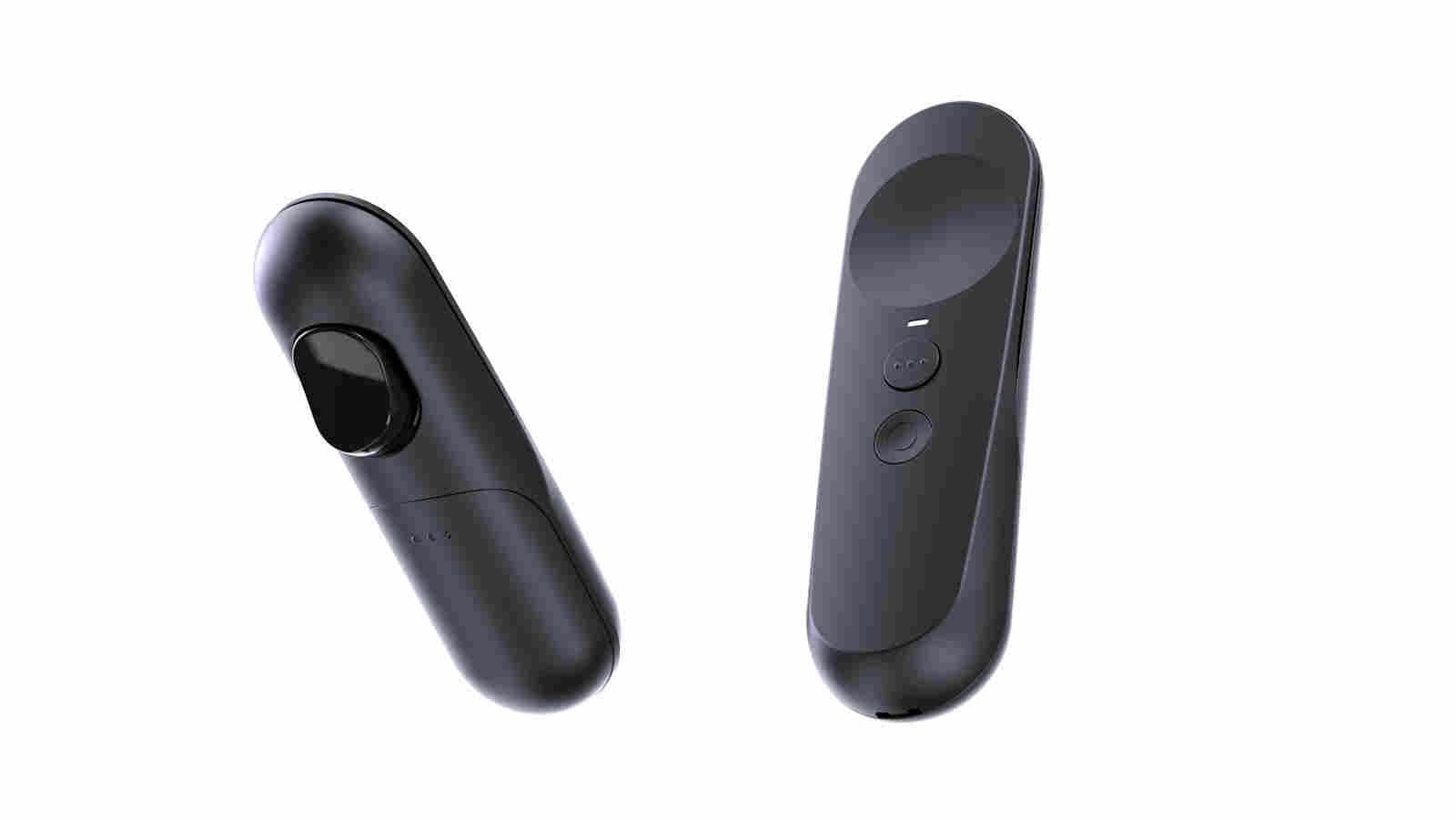
A simple controller with a Home and Back button, a Trigger, and a Trackpad gets you 99% of your learning interactivity.
- No steep learning curve.
- A nod to special needs users.
- Promotes independent learning.
- Non-gamers rejoice!
That is the thinking behind SVR's approach to VR: purposeful immersion that is deep enough to improve learning, but simple enough to actually be used.